 Zinn® Backups
Guides
Disconnect a site from backups
Stop backing a site up while keeping the copies you already have.
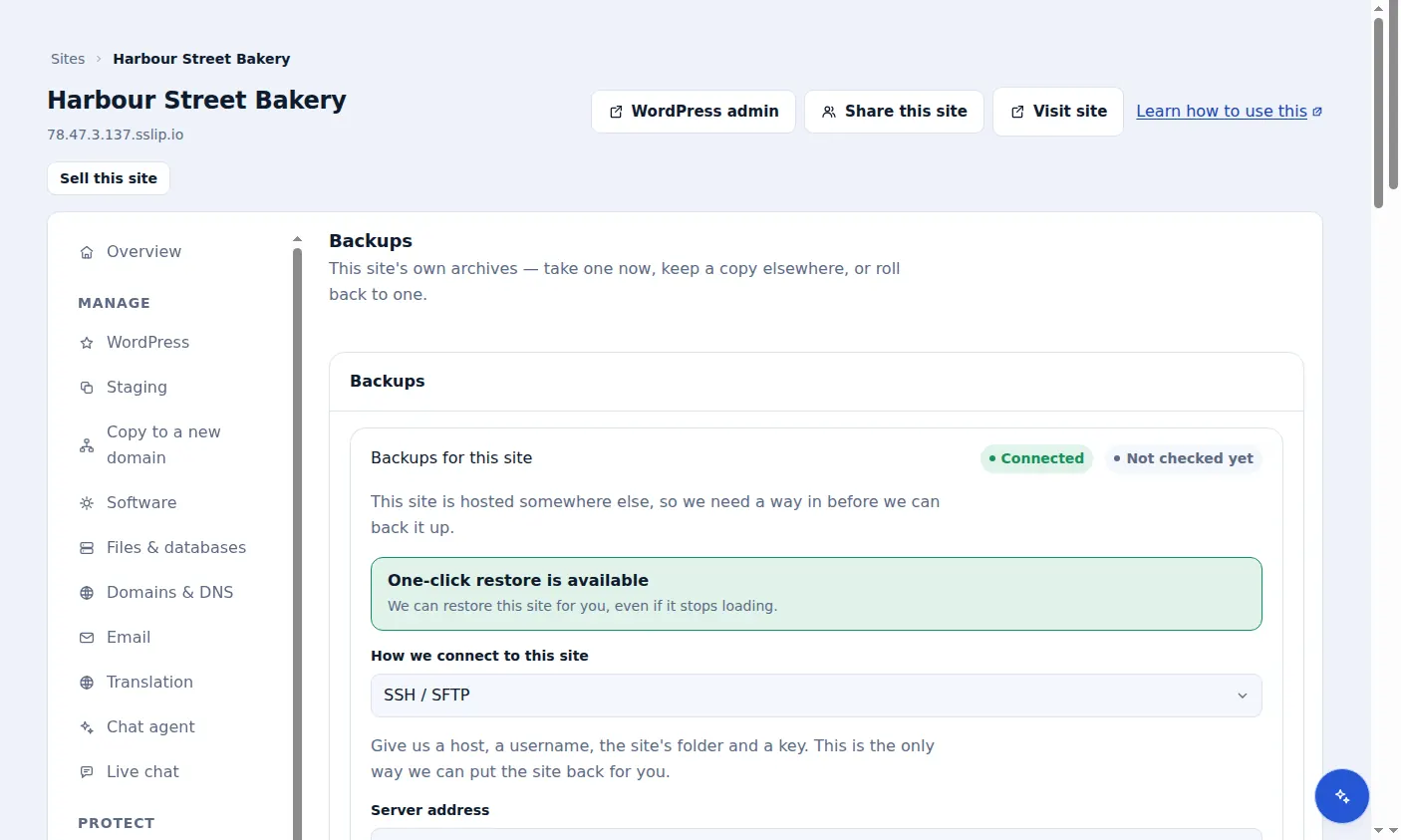
Choose Disconnect
On the site's Backups tab, choose Disconnect. No new backups are taken for the site.
Your existing backups are kept
Copies already stored are kept and can still be downloaded until they reach the end of their 30 days. If the site was connected over SSH, the stored key is deleted.
Stop paying
Disconnecting does not cancel the tier. Cancel it from Billing in the dashboard.
Included with Zinn Digital® hosting
Host the site with us and backups are part of the plan
Sites on Zinn Digital® WordPress hosting are backed up by the hosting plan itself, with malware scanning and a firewall included, so there is no separate backup bill. This product is for the sites you keep somewhere else.