 Zinn® Backups
Guides
Connect with the Zinn® Connector plugin
Back a site up without SSH access, using our WordPress plugin.
Check the requirements
The Zinn® Connector plugin needs WordPress 6.6 or later and PHP 8.2 or later.
Choose the plugin connection
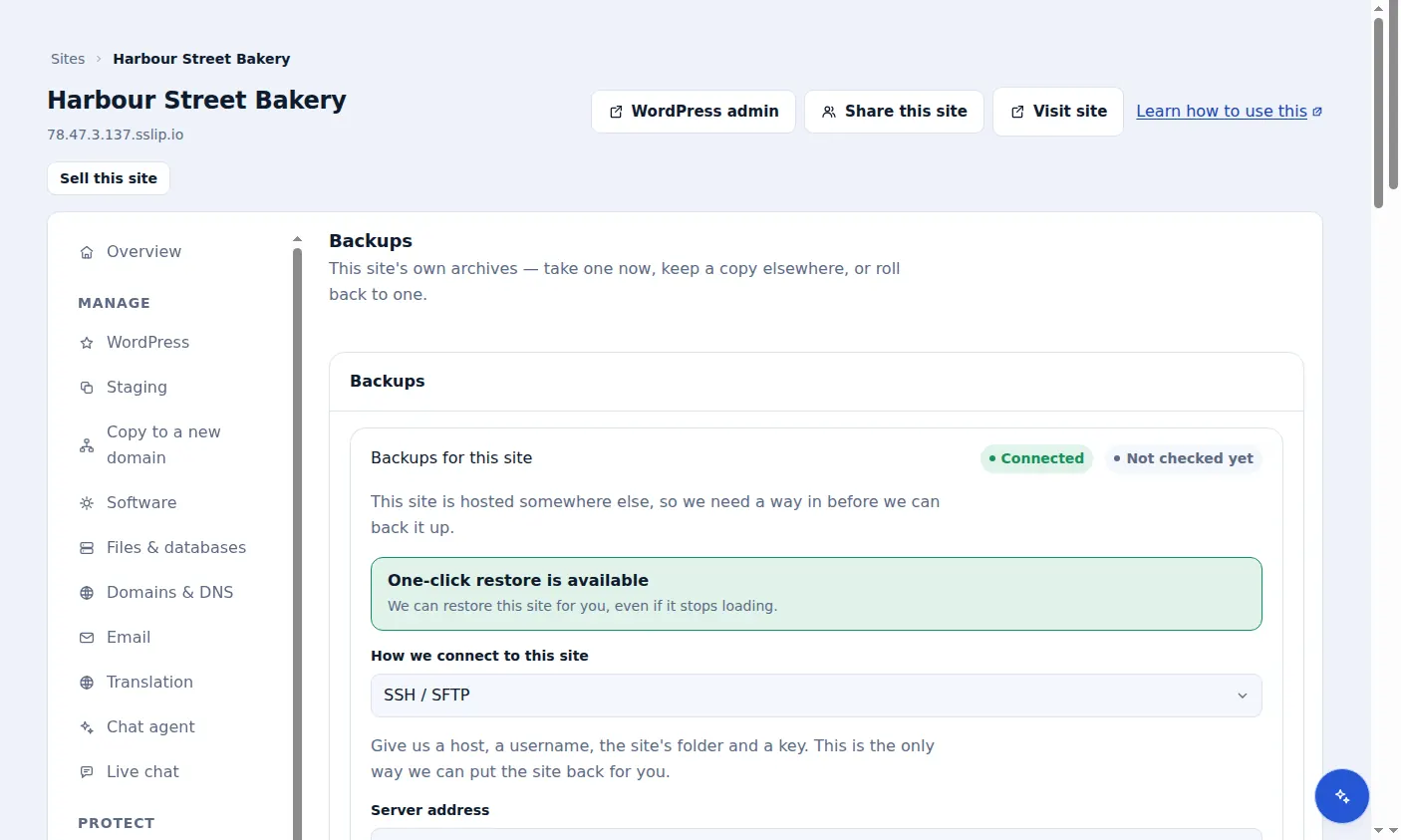
On the site's Backups tab, under How we connect to this site, choose Zinn® Connector plugin and choose Connect.
Install the plugin
Install and activate the Zinn® Connector plugin on the site, then enter the connection details the dashboard gives you in the plugin's settings.
Leave room on the server
The plugin builds the archive on your web space before uploading it, so it needs free disk space of roughly twice the site's size while a backup runs. You can exclude folders under wp-content in the plugin's settings.
Know what the plugin cannot do
The plugin takes backups and you can download any of them, but a restore needs an SSH connection: a site broken badly enough cannot run a plugin to restore itself.
Included with Zinn Digital® hosting
Host the site with us and backups are part of the plan
Sites on Zinn Digital® WordPress hosting are backed up by the hosting plan itself, with malware scanning and a firewall included, so there is no separate backup bill. This product is for the sites you keep somewhere else.