 Zinn® Backups
Guides
How off-site WordPress backups work
What we copy, where it goes, how often and for how long.
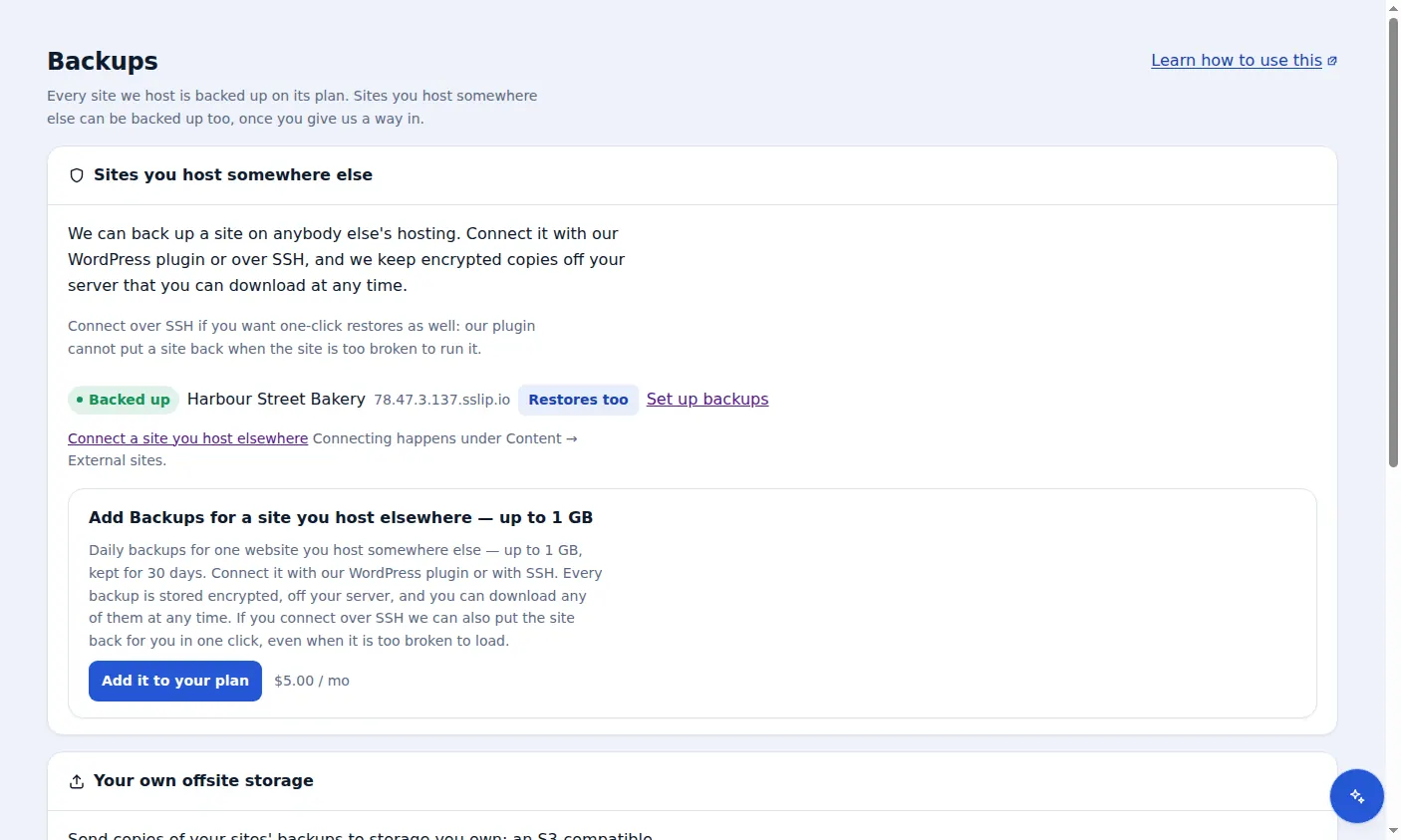
You add a site you host elsewhere
The site stays on its current host. You add it to your Zinn Digital® account and choose a size tier for it.
You connect it
Either give us SSH access with a private key, or install the Zinn® Connector plugin in WordPress. SSH is the only connection that also allows one-click restores.
We take a backup every day
Whenever a site's last successful backup is more than a day old, a new one is started. Over SSH we archive the site folder and export the database with WP-CLI; the plugin builds the archive and database export inside WordPress.
The copy goes straight to storage
The archive is uploaded directly from your server to Cloudflare R2 storage that we operate, using a short-lived upload link. It does not pass through our application servers.
Copies are kept for 30 days
Each daily copy is kept for 30 days under a retention lock that stops it being overwritten or deleted, then removed, with a final clean-up by the storage at 37 days. Any copy you still have can be downloaded or, over SSH, restored.
Included with Zinn Digital® hosting
Host the site with us and backups are part of the plan
Sites on Zinn Digital® WordPress hosting are backed up by the hosting plan itself, with malware scanning and a firewall included, so there is no separate backup bill. This product is for the sites you keep somewhere else.