 Zinn® Backups
Guides
Fix a backup that failed
The common reasons a backup does not complete, and what to check.
Read the connection status
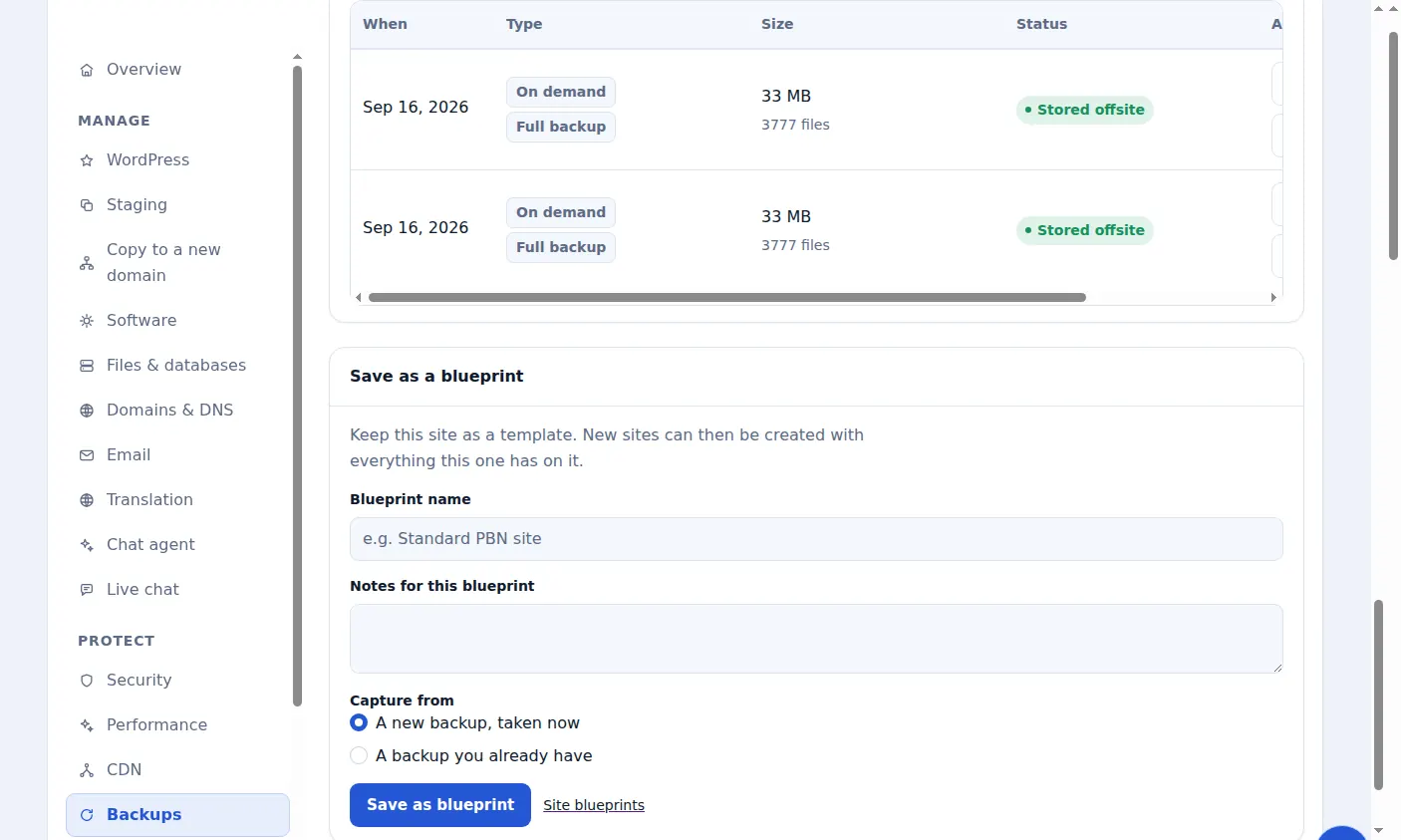
The site's Backups tab shows whether the connection is Working or Not working and when it was last checked.
SSH details changed
If your host changed the server address, port or username, or the key was removed from the account, update the details on the card and choose Save changes.
Not enough disk space
The plugin needs free space of about twice the site's size while it builds the archive. Free up space or exclude large folders in the plugin's settings.
The site outgrew its tier
If the site is now larger than its tier, move it to a bigger tier.
Repeated failures slow down
A site that keeps failing is retried less often, down to about once a week, so a broken connection does not hammer your server. Fixing the cause brings it back to daily.
Included with Zinn Digital® hosting
Host the site with us and backups are part of the plan
Sites on Zinn Digital® WordPress hosting are backed up by the hosting plan itself, with malware scanning and a firewall included, so there is no separate backup bill. This product is for the sites you keep somewhere else.