 Zinn® Backups
Guides
Add a site you host elsewhere
Put an outside WordPress site into your account so it can be backed up.
Sign in to the dashboard
Sign in at app.zinndigital.com, or create an account from any Get started button on this site.
Open External sites
Go to Content, then External sites, and add the site's address. This is the same list used for publishing to sites you host elsewhere.
Open Backups
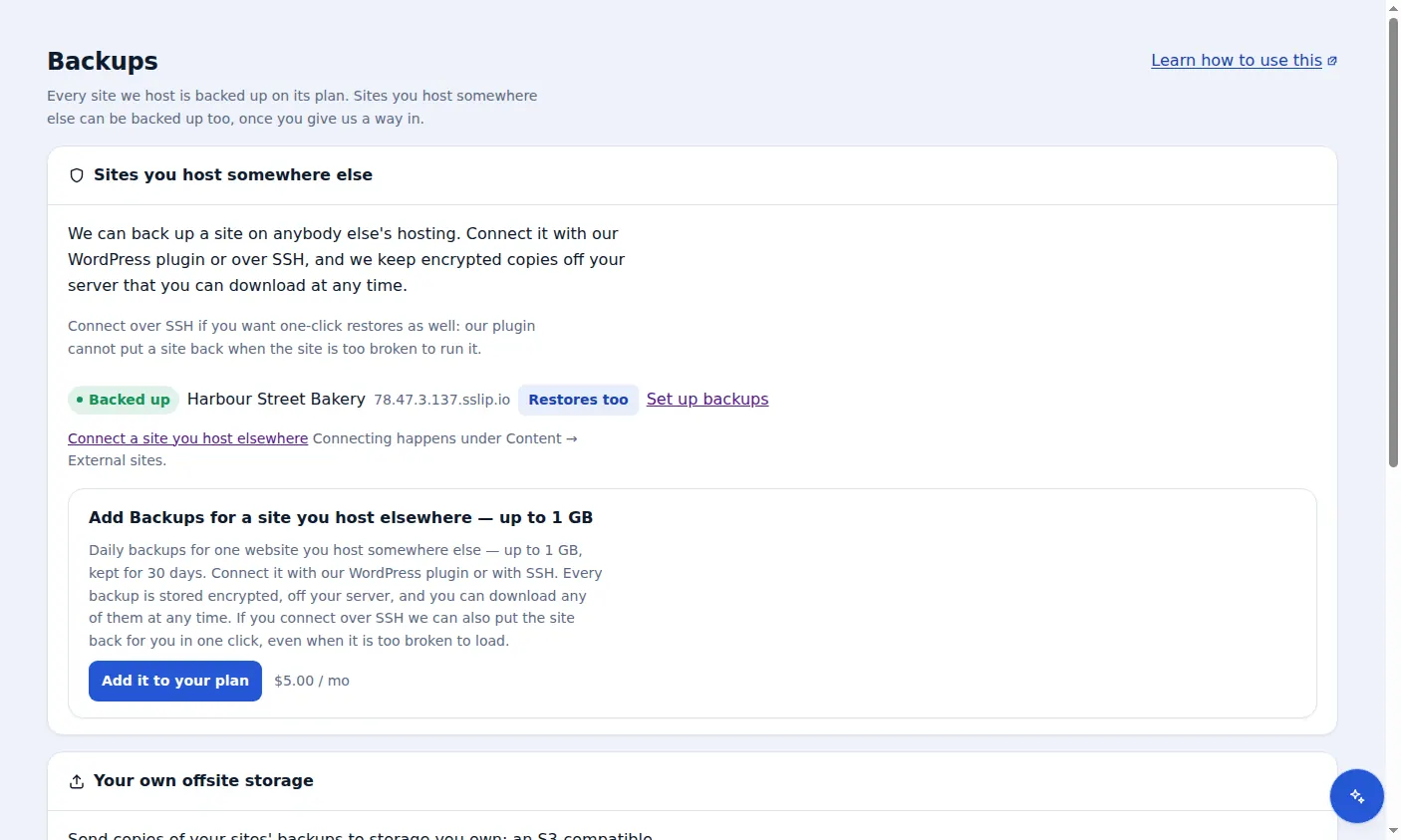
In the sidebar, open Backups. The site appears under Sites you host somewhere else, marked Not backed up yet.
Choose Set up backups
Pick a size tier for the site, then connect it over SSH or with the plugin, as described in the next two guides.
Included with Zinn Digital® hosting
Host the site with us and backups are part of the plan
Sites on Zinn Digital® WordPress hosting are backed up by the hosting plan itself, with malware scanning and a firewall included, so there is no separate backup bill. This product is for the sites you keep somewhere else.