 Zinn® Backups
Guides
What to do when your WordPress site is hacked
A calm order of steps, from the first sign to a clean site you can trust.
Do not delete anything yet
Deleting suspicious files first can remove the evidence of how the attacker got in, and the files you delete may not be the only ones.
Change passwords
Change the passwords for your hosting account, SSH or SFTP, the database and every WordPress administrator.
Find a copy from before
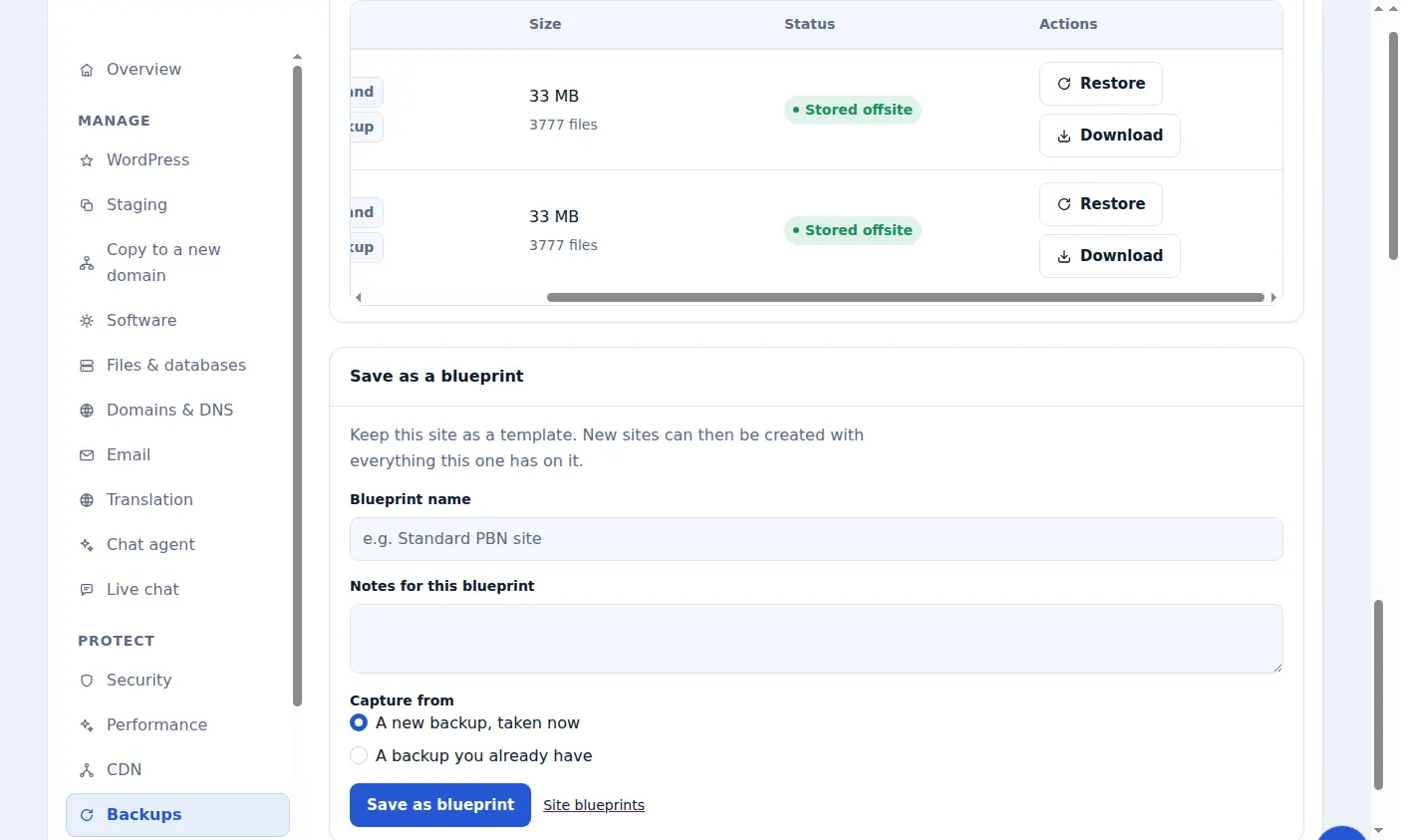
Look at your backups for the newest copy from before the first sign of trouble. Daily copies kept for 30 days usually include one.
Restore it
Over SSH, restore that copy in one click. Remember that a restore does not delete files added later, so anything the attacker added since may remain; check for unfamiliar files and administrator accounts.
Update everything
Update WordPress, every plugin and every theme, and remove any you no longer use. An outdated plugin is the most common way in.
If you cannot tell what is clean
When the compromise is older than your backups, or you are not sure the restored site is clean, order a malware clean-up and an engineer will remove it by hand.
Included with Zinn Digital® hosting
Host the site with us and backups are part of the plan
Sites on Zinn Digital® WordPress hosting are backed up by the hosting plan itself, with malware scanning and a firewall included, so there is no separate backup bill. This product is for the sites you keep somewhere else.