 Zinn® Backups
Guides
Download a backup
Get a copy of any stored backup as an archive.
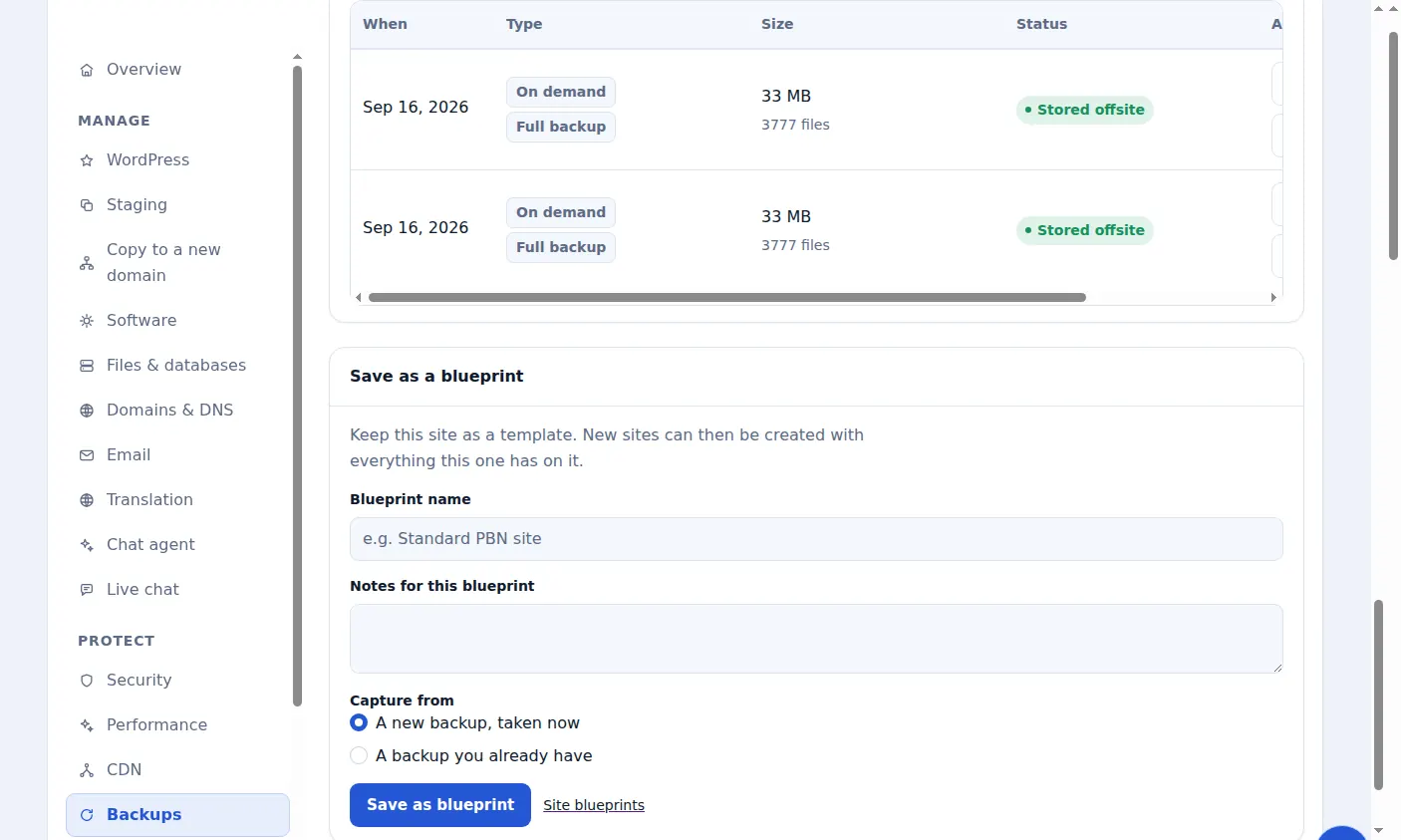
Open the site's Backups tab
In the dashboard, open the site and choose its Backups tab to see its stored copies, newest first.
Choose Download
Choose Download on the copy you want. The link is created on demand and expires after a short time, so start the download straight away.
What you get
A compressed archive containing the site's files and, where included, its database export, ready to keep or to import elsewhere.
Who can download
Downloading an archive is a separate permission from managing backups, so you can let a team member run backups without letting them take a full copy of the site.
Included with Zinn Digital® hosting
Host the site with us and backups are part of the plan
Sites on Zinn Digital® WordPress hosting are backed up by the hosting plan itself, with malware scanning and a firewall included, so there is no separate backup bill. This product is for the sites you keep somewhere else.